📱 App Tour

A peek inside StreakOwl

Sixteen real screens from the app — the full journey from a chapter and its quiz to Ask Owl AI, safe chat with friends, and the class leaderboard, plus the dashboard parents get.

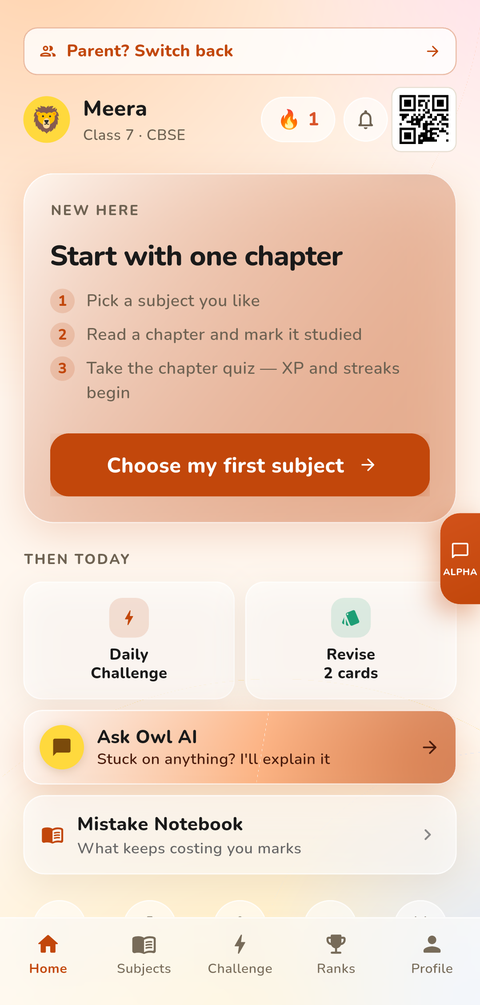
StreakOwl home screen with the daily streak counter, today's challenge card and quick actions
HomeYour streak, today's challenge & quick actions
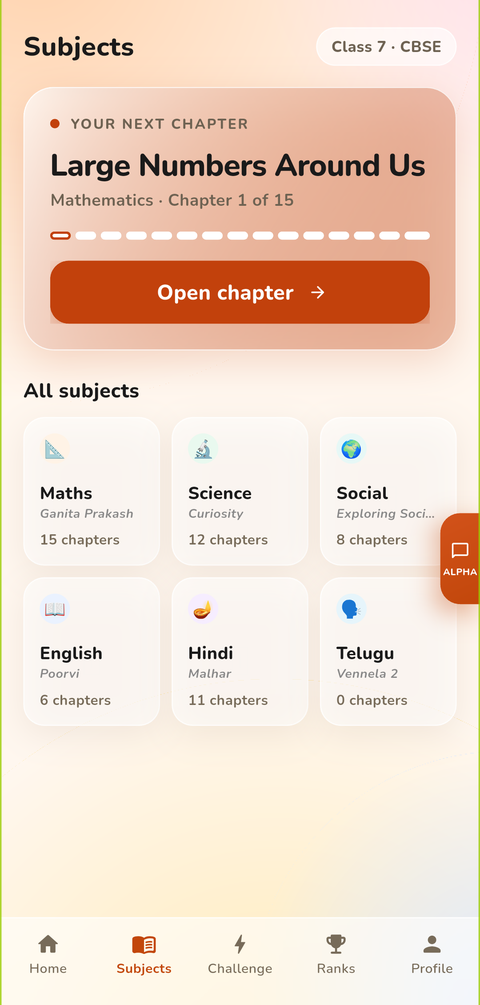
Subjects screen listing CBSE subjects with chapter counts for the student's class
SubjectsCBSE chapters for Classes 4–10
Mathematics chapter list with mastery ring, chapter quiz and battle shortcuts
Chapters & MasteryTrack every chapter from start to mastered
Daily challenge quiz question with a countdown timer and four answer options
Daily ChallengeFive quick questions, every day
Ask Owl AI tutor screen offering a hint, checking working, or snapping a photo of the question
Ask Owl AIClear explanations that end in a quick quiz
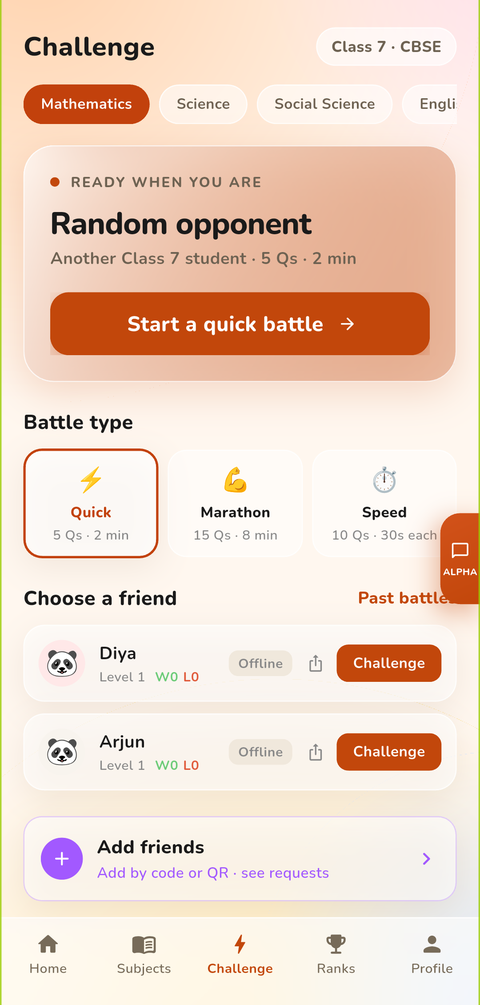
Challenge screen for starting a quick battle with a random opponent or a friend
Challenge a FriendQuick battles with classmates or a random opponent
Friends screen for adding classmates and starting quiz battles
FriendsAdd classmates & challenge them to battles
Chat screen showing the moderation banner and a blocked unkind message
Safe ChatEvery message screened; parents alerted if anything serious comes up
Class leaderboard with the weekly podium of top students
LeaderboardWeekly & monthly class rankings
Rewards screen with level progress and badge collection
Rewards & BadgesLevels, XP and badges for real study
Focus timer with colour-coded subject chips and a 25-minute session
Focus TimerDistraction-free 25-minute study sessions
Profile screen showing the student's XP, level, badges and streak
ProfileXP, badges & streak history
Parent dashboard overview with weekly activity, accuracy, unit tests and the child switcher
Parent DashboardThe week at a glance, per child
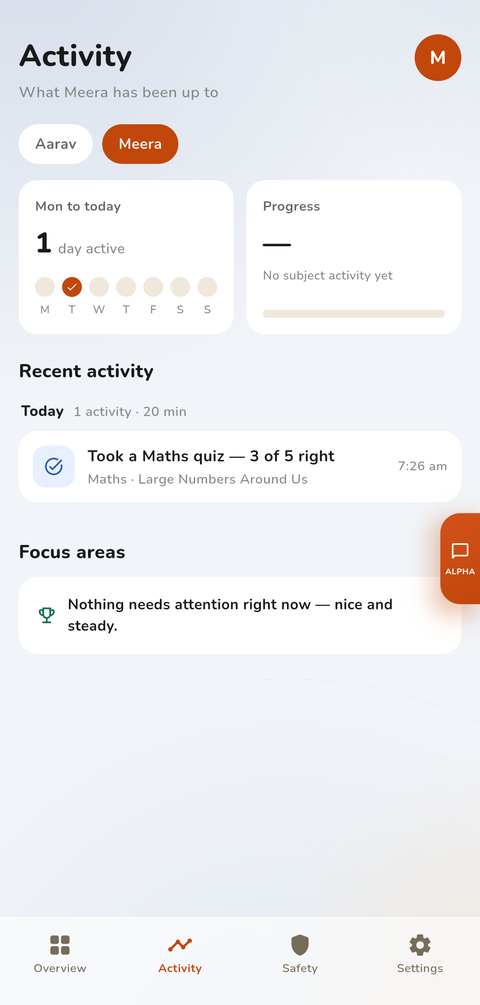
Parent Activity tab showing days active this week, the latest quiz result and focus areas
Parent · ActivityWhat they did this week, quiz by quiz
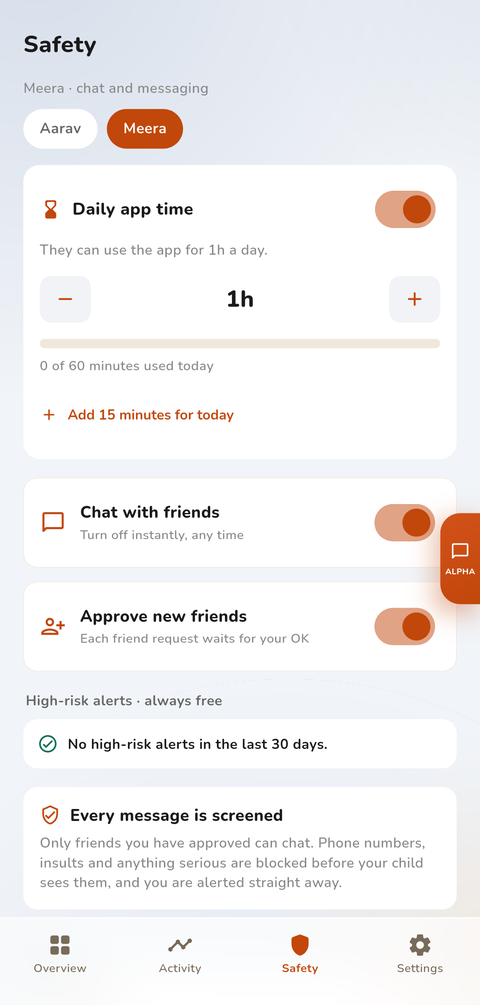
Parent Safety tab with the daily app-time limit, chat controls, friend approval and high-risk alerts
Parent · SafetyApp time, chat controls & alerts — always free
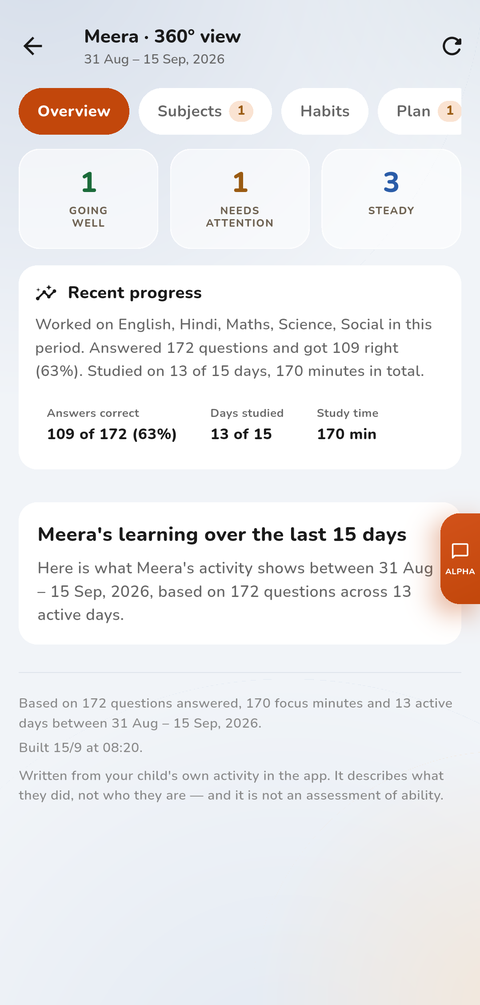
360-degree view report summarising two weeks of activity: accuracy, days studied and focus time
Parent · 360° ViewTwo weeks of learning, explained

Real screenshots from the StreakOwl app.

See it on your own phone

Free to start, no card needed.

Start Free → Log In